Make My Day · for Mac, iPhone & iPad
A calm daily planner that keeps you pointed at what matters.
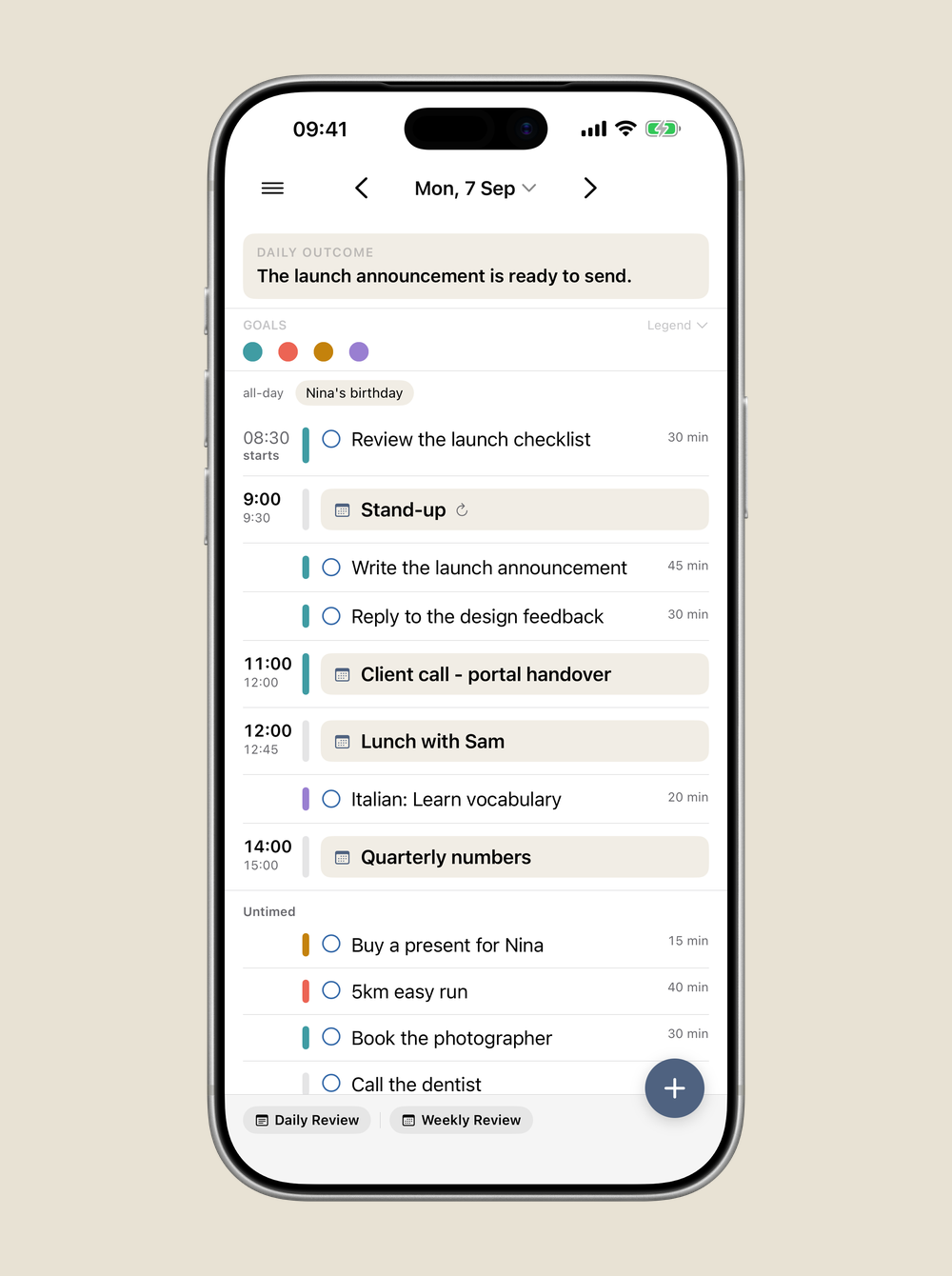
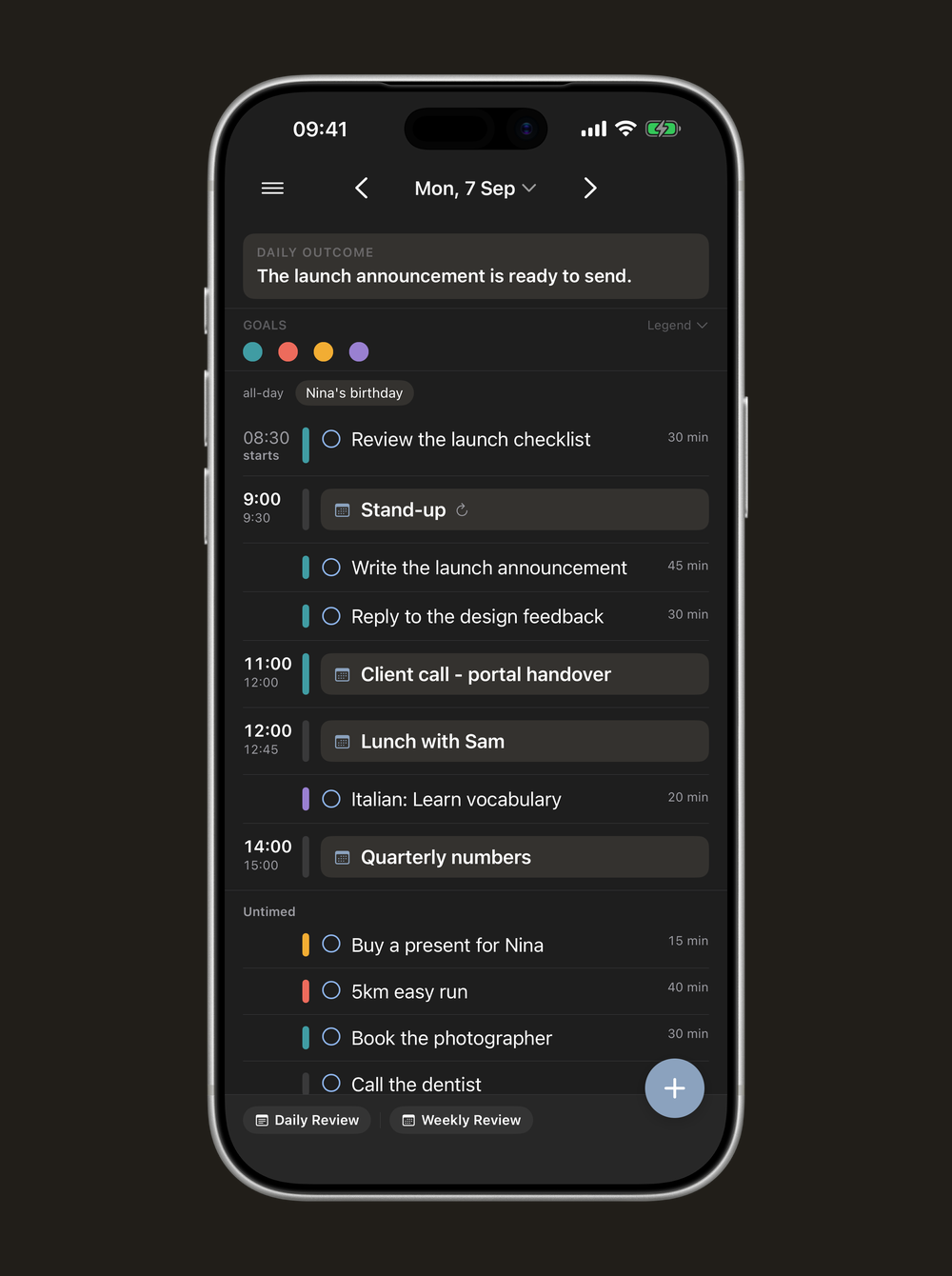
Name the outcome that would make today a success, connect your tasks to your goals, and see tasks and events on one timeline. Make My Day works on top of the calendars and reminders you already keep — nothing to import, nothing to lose.
It supports your focus. It never nags.
For Mac, iPhone & iPad · Calm by design · English & Deutsch
What makes it different
Do work that matters
Connect your day to your goals.
Define what you’re working toward — a result this month, an ambition years out, or simply how you want to live — and link your daily tasks to it. Choose the work that moves a goal, and see, at the end of a week, that your effort counted.
- Freeform goals: short-term, long-term, or a way of living
- Link any task or event to one or more goals
- Focus on a goal to see just the work that serves it
See what’s truly next
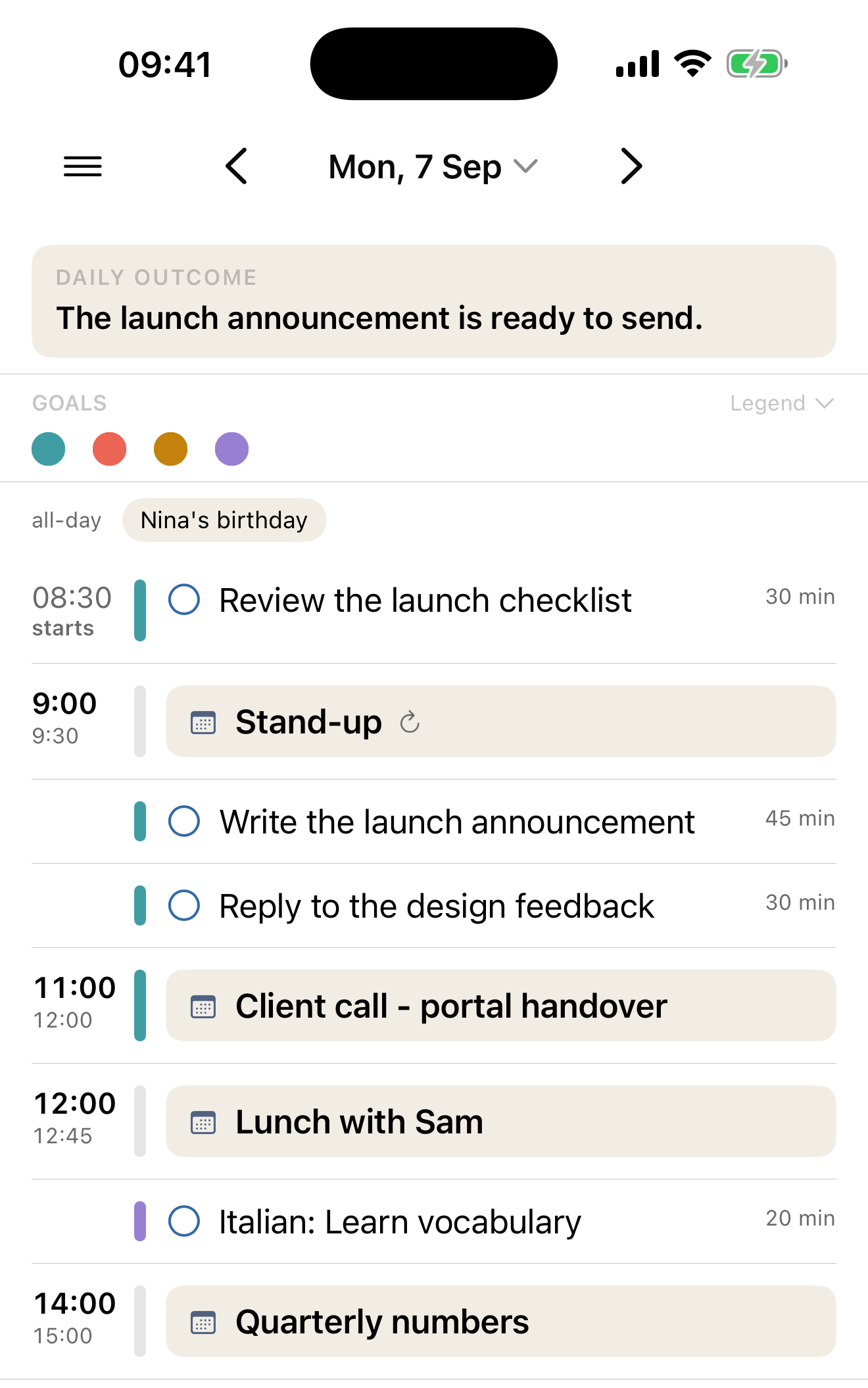
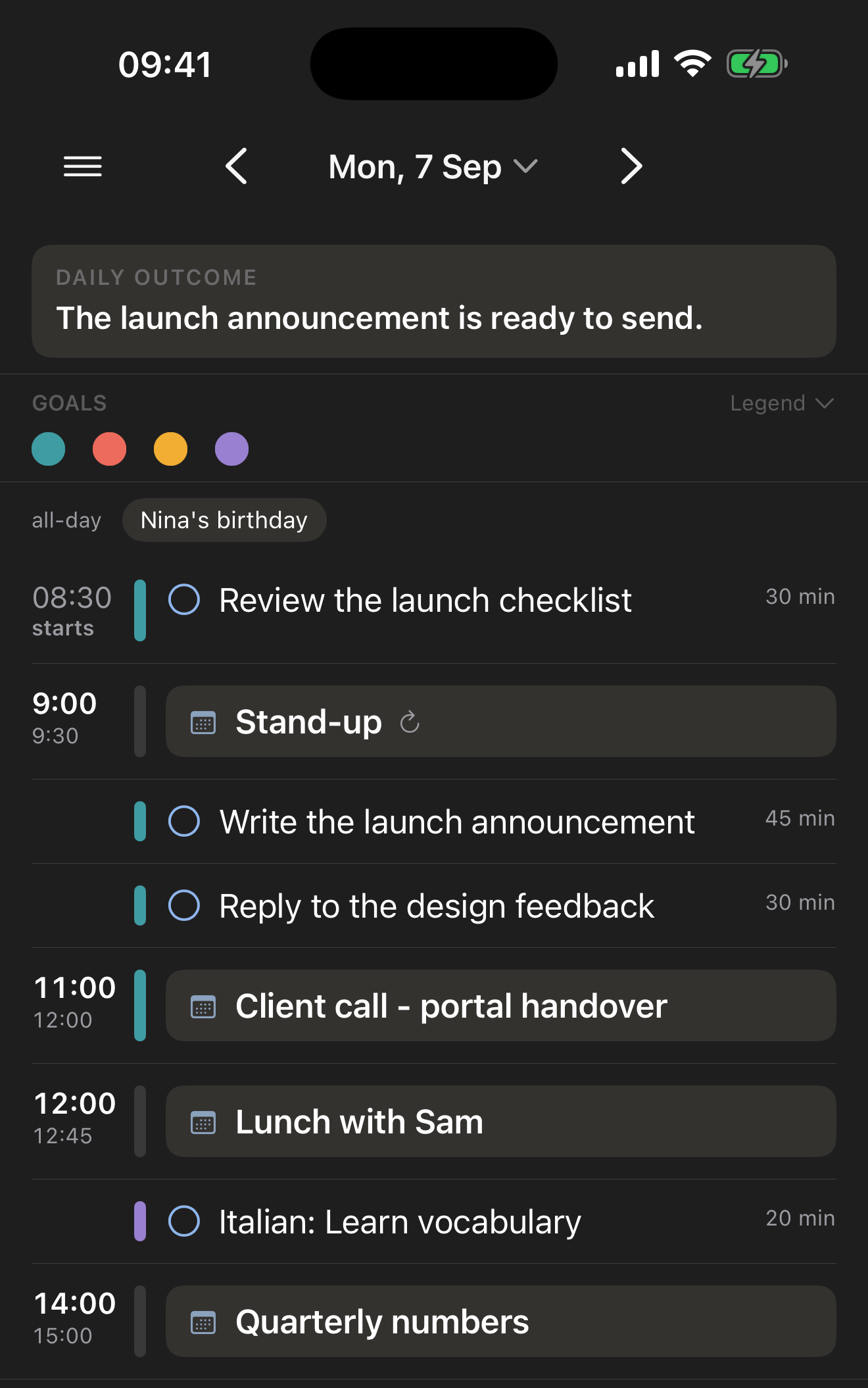
Tasks and events on one timeline.
No jumping between a calendar and a to-do app. Everything sits on a single timeline, so you always know what’s next — whether it’s a meeting or a task. And you can plan any day at any time, even tomorrow the evening before.
- Tasks and calendar events in one view
- Plan ahead freely — no “today only” limit
- Drag to schedule, or leave things untimed
Your calendars, curated
Show exactly what belongs in your day.
Use any account already set up on your Mac, iPhone, and iPad. Choose which calendars and lists appear — and within shared calendars, which individual events. Can’t skip a group event you’re only optional for? Hide it from your timeline so it doesn’t distract, and bring everything back with a click.
- Works with iCloud, Google, Exchange and more
- Pick calendars, lists, and even single events to show
- Hide what you can’t change; reveal all in one click
Calm & private
A tool that waits for you — and keeps your data yours.
Make My Day never asks for your attention: no badges, no banners, no pings. It writes every change back to the accounts you already use, so you keep your other apps and lose nothing if you leave. Only your view settings live on your devices and your own iCloud — no extra account, no server, no AI reading your day.
- Never demands your attention
- Write-back to your real accounts — no lock-in
- No account, no server, no tracking, no AI
First five minutes
Set up once, then just plan.
There’s no import and no account. Grant access, choose what to show, set a goal, name today’s outcome, and shape your day.
- 01 Grant access Allow Calendar and Reminders so your real day shows up.
- 02 Choose what to show Pick the calendars and lists that belong in your plan.
- 03 Set a goal Add something you’re working toward, and give it a colour.
- 04 Name the outcome Write the one sentence that would make today a success.
- 05 Shape the day Drag tasks onto the timeline; link the ones that serve a goal.
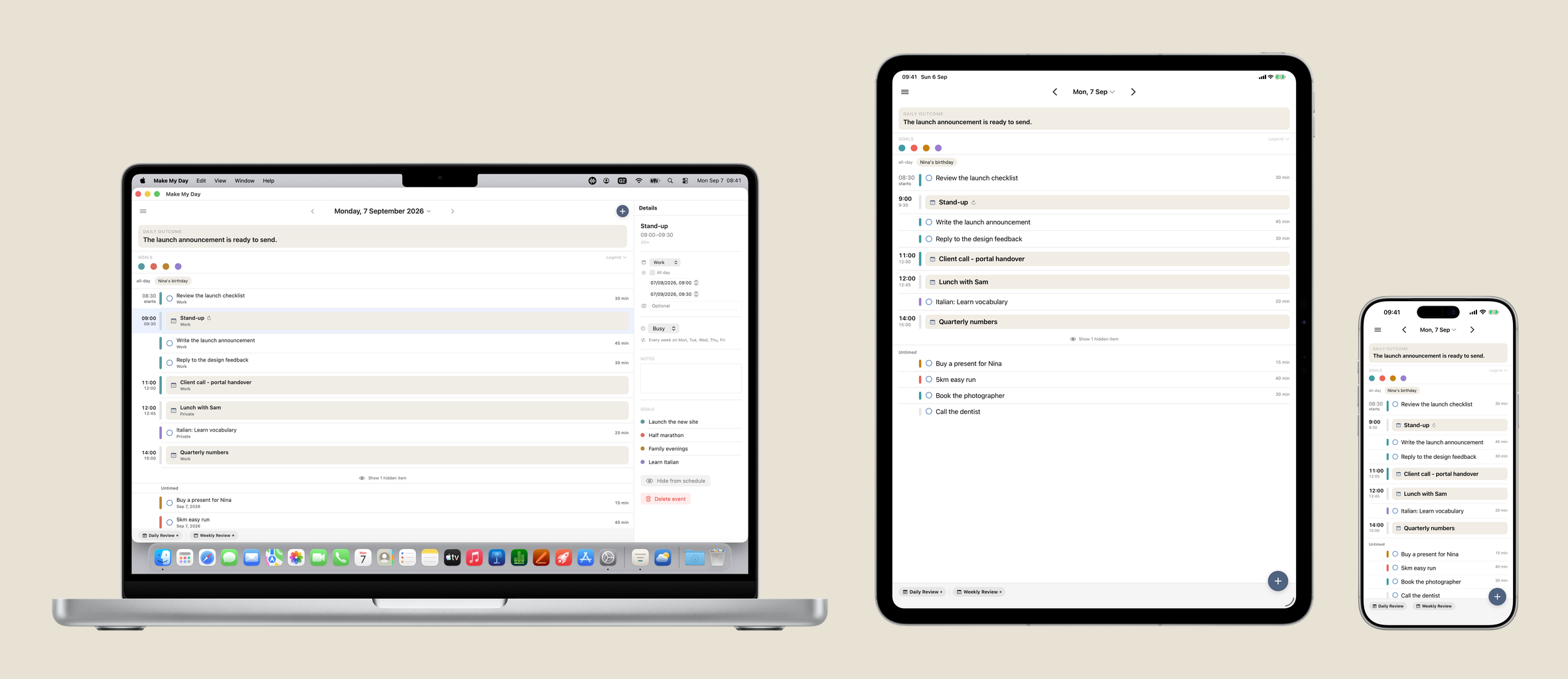
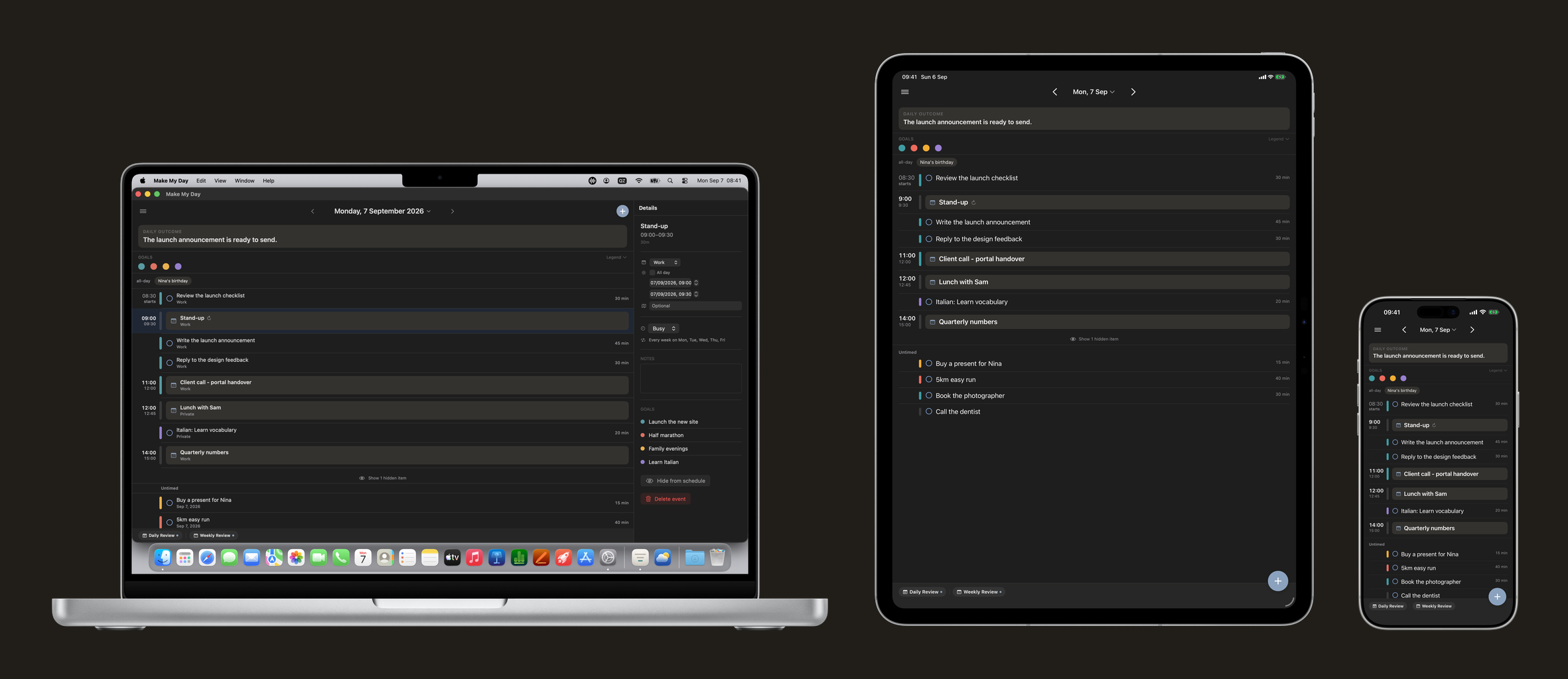
One app, three devices.
Native on Mac, iPhone, and iPad, in sync over your private iCloud — never a company server.
Questions
Good to know.
What is Make My Day?
A daily planner for Mac, iPhone, and iPad that helps you name the outcome that matters, connect your tasks to your goals, and see tasks and events on one timeline — working on top of your existing Apple Calendar and Reminders.
Does it work with Google, Exchange, or other calendars?
Yes. Any account you’ve added in your Mac, iPhone, or iPad settings — iCloud, Google, Exchange and others — is available in Make My Day, and you choose which calendars and lists to show.
Will it change my existing calendars and reminders?
Only when you ask it to. Every change is written back to your real accounts; nothing is altered without your action, and you can keep using your other apps alongside it.
Is my data private?
Yes. There’s no account and no moosystems server. Your calendars and reminders stay in your own accounts, and Make My Day’s own settings sync only through your private iCloud.
Is there any AI?
No. Make My Day deliberately has no AI. It’s a fast, quiet tool that leaves the thinking to you.
How much does it cost?
Make My Day is a one-time purchase, not a subscription. After a 14-day free trial you buy it once and keep it — there is no monthly fee, no free tier, and no cut-down version. The price is shown in the App Store.
Does the trial hold anything back?
No. The 14-day trial is the complete app, not a sample of it — every feature is there, and nothing is unlocked later. The limit is time, not capability.
When do the 14 days start, and what happens when they end?
They start when you finish setting the app up, not when you first open it — the last step of the welcome states the 14 days, the price the App Store is asking where you are, and that one payment covers all three devices, before the clock begins. It is one window across your devices: installing it on a second one doesn’t start a fresh fortnight. Make My Day then says nothing about it until five days from the end, when a quiet line appears at the top of the day; the exact number is in Settings ▸ Licence whenever you want it. When the 14 days are up, the app needs the purchase to open again — and that is all it touches. Your appointments and tasks are in Apple Calendar and Reminders, exactly where they were, and every other app still sees them.
Can I buy it before the trial runs out?
Yes, on any day of it. Settings ▸ Licence holds an Unlock Full Version button on iPhone, iPad and Mac alike, beside a line saying where the trial stands, and Restore Purchase sits in the same place for a device that should already be covered. Once the app is yours, the status line says so and the Unlock button is gone. There is nothing to configure about the trial itself — the section reports it, it doesn’t manage it.
If I buy it on one device, do I have to buy it again?
No. One purchase covers iPhone, iPad, and Mac. Sign in with the same Apple Account on your other devices and use Restore Purchase if it doesn’t appear straight away.
Can I try upcoming versions?
Yes. Make My Day has a public beta on Apple TestFlight, and it stays open after release — one invite covers Mac, iPhone, and iPad. Beta builds are pre-release, so expect the occasional rough edge.
Try Make My Day.
Available for Mac, iPhone, and iPad.
One purchase covers all three. The first 14 days are a free trial.
Curious about the next version?
The link opens Apple TestFlight. One invite covers Mac, iPhone, and iPad.