Daily and weekly review
A place to write at the end of the day and the end of the week, with your own prompts waiting in it — and, if you want, mirrored into your calendar so it is readable anywhere.
Planning a day is half of it. The other half is looking back at one — and that half usually loses, because it has no home. Notes app, journal, the back of an envelope; wherever it lands, it lands away from the day it is about.
Make My Day keeps the review next to the day. There are two: a Daily Review and a Weekly Review, each a plain space to write, saved with the day or week it belongs to and synced across your devices.
Nothing chases you
Before anything else, what the review is not. There is no review time to set, no prompt at six o’clock, no streak, no score, and no notification if you skip a week. The app never asks you to review.
That is the same design constraint as everywhere else in Make My Day: it waits. The review is somewhere to write, not a workflow that pursues you for compliance.
Your own prompts, already waiting
An empty box is a bad question. So each review has a template you write once in Settings — under Review Templates, one for daily and one for weekly — and the app puts it into a review the first time you open it.
Three questions, or one, or a heading and two dashes. Whatever you would otherwise retype every evening.
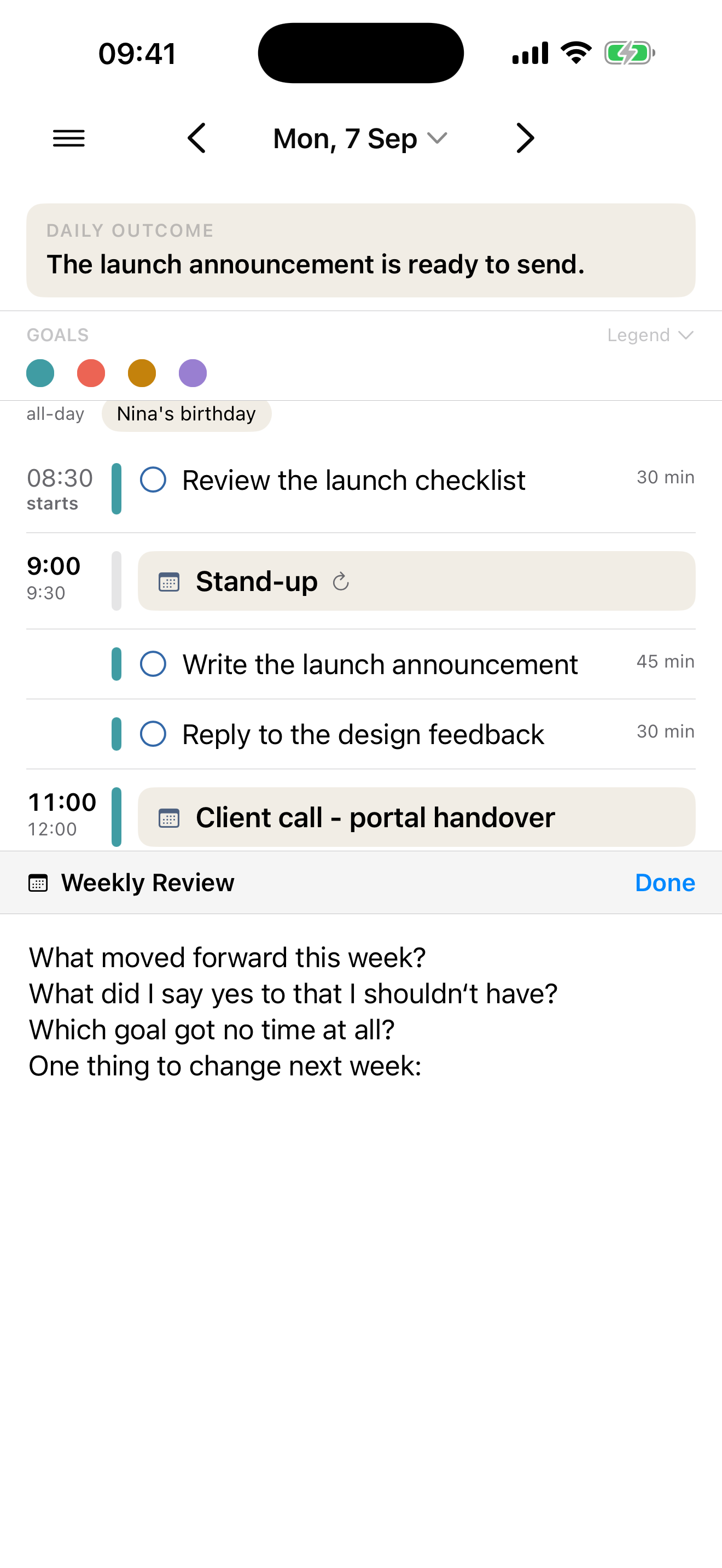
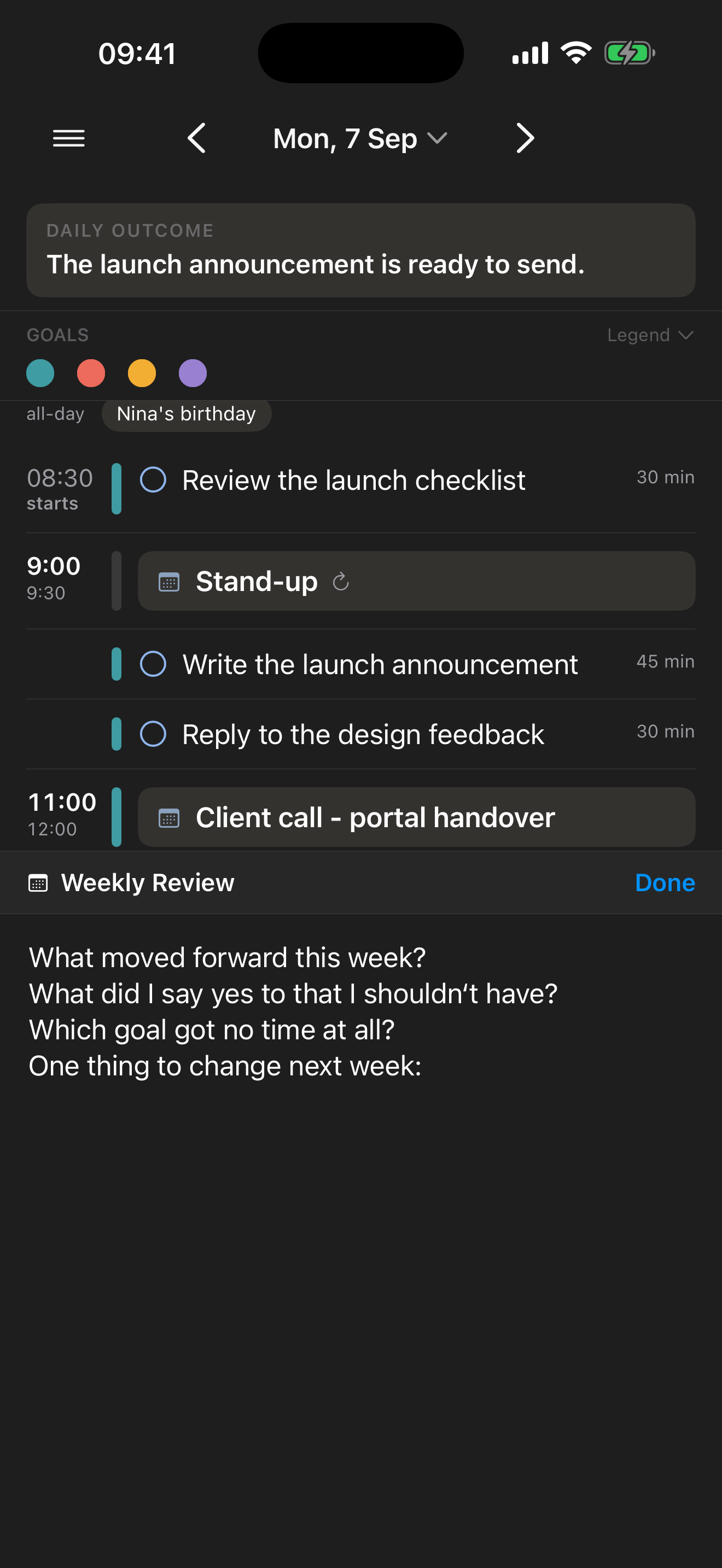
The seeding is deliberately timid. It only fills a review that is empty, and only when you first open it — a review you have already written in is never overwritten, and changing the template later leaves everything you have already written exactly as it is. Leave the template blank and reviews simply open empty.
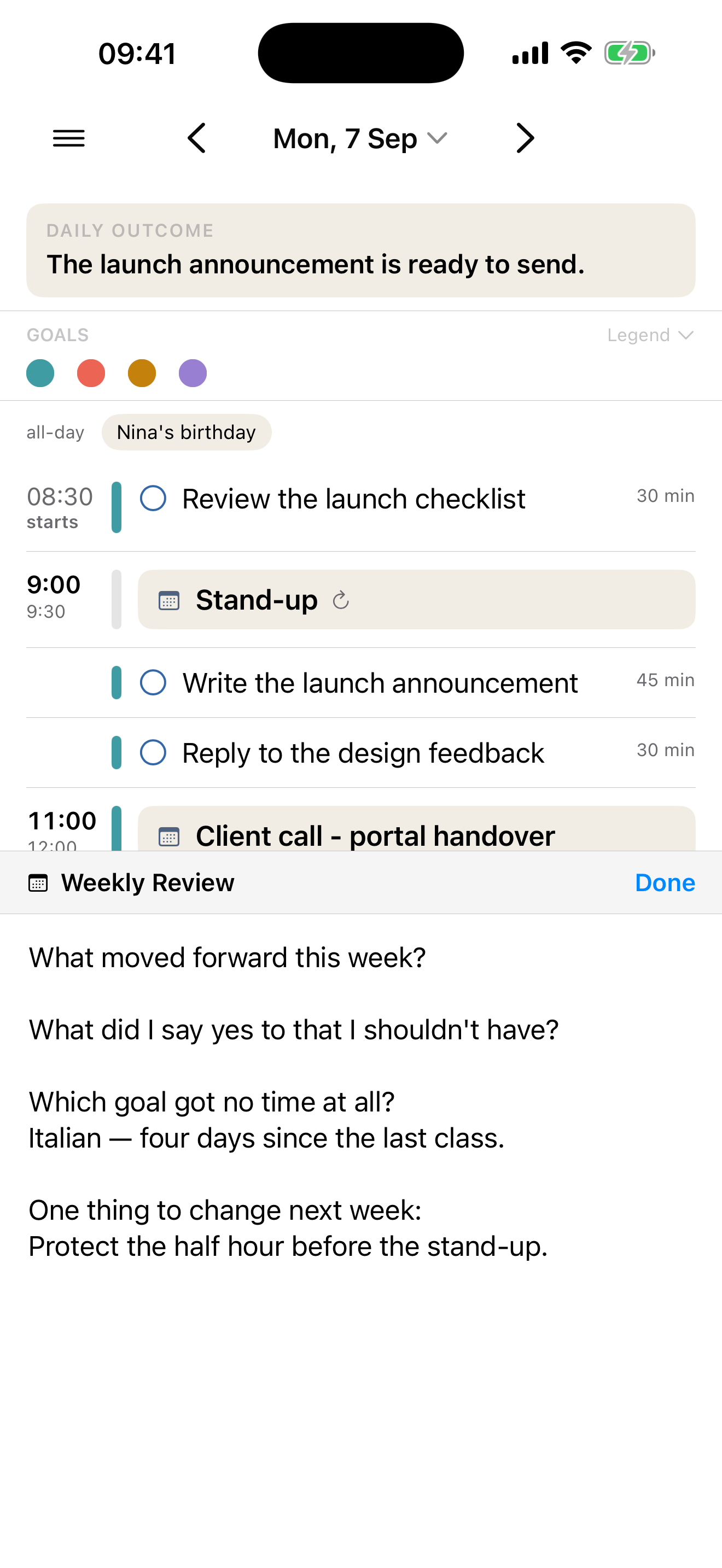
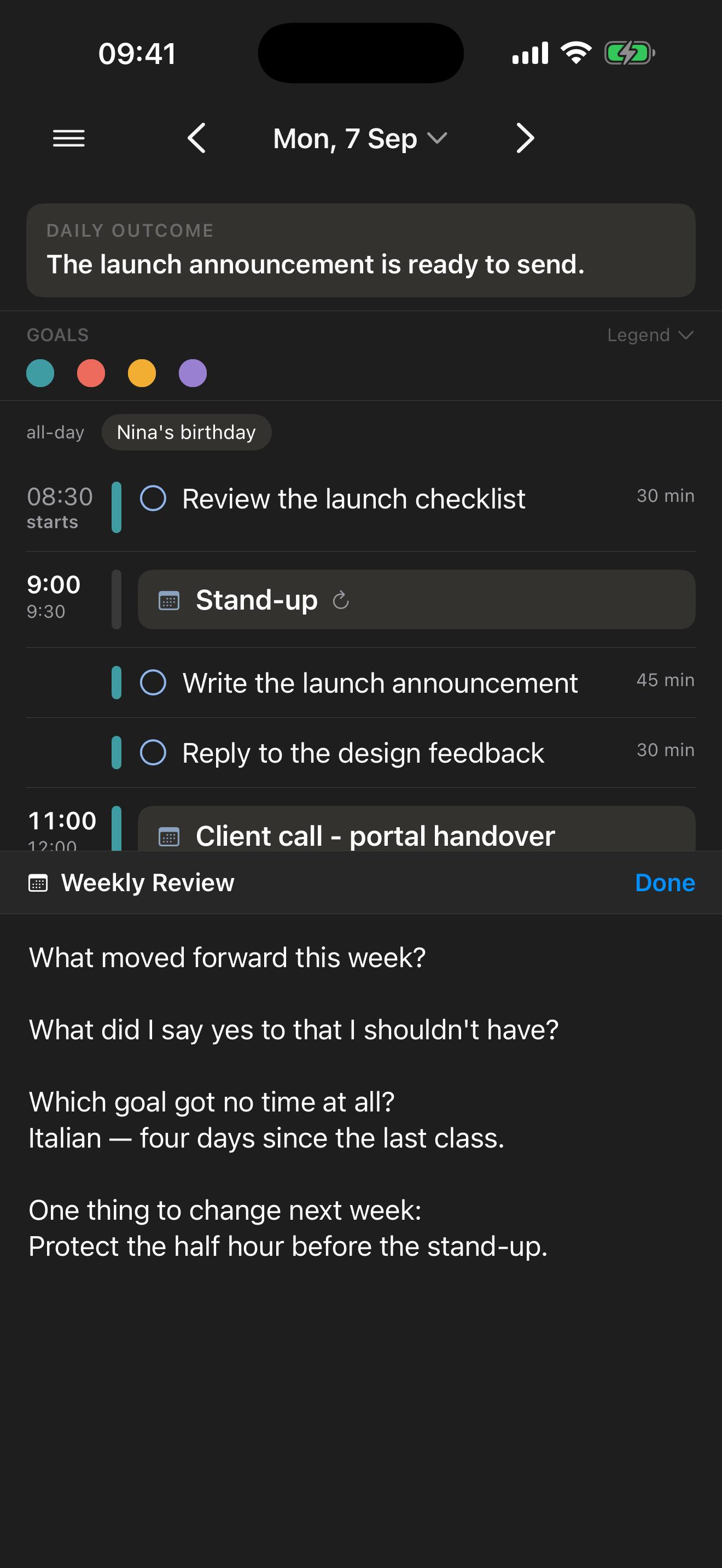
On iPhone and iPad the editor is a panel across the lower half of the screen rather than a full-screen sheet, so the day itself — the outcome, the goals, the schedule — stays visible above while you write about it.
Mirroring into your calendar
Optionally, your reviews don’t have to stay inside Make My Day.
Choose a Review Calendar in Settings and the app writes your daily outcome and your reviews into all-day events there: one per day, and one per week titled Weekly Goals & Reviews. The daily event leads with the outcome, so it is the first line you see when you open the event in any calendar app, with the review below it.
It works in both directions. Type into the event’s notes in Calendar on your phone at the weekend, and the text comes back into Make My Day. Choose None and nothing ever leaves the app.
A few things this deliberately does not do, each for a reason:
- The calendar list is short on purpose. You can only choose from the calendars you keep visible in Make My Day, and each is shown with the account it belongs to. Hiding a calendar is you drawing a boundary; a boundary that only affects display would be a boundary that lies.
- The destination is checked before every single write. If the calendar you chose has been renamed, moved to another account or removed, nothing is written and Settings tells you why — rather than a private review quietly appearing in a shared work calendar.
- Each device chooses for itself. Turning mirroring on for your Mac does not turn it on for your iPhone. Guessing which local calendar you meant is exactly how text ends up somewhere you did not intend.
- Only from the day you turn it on. Reviews you wrote earlier stay put until you press Mirror past reviews, which is a button rather than something that happens on its own.
- Changing the calendar leaves the old events behind. Nothing is deleted from the calendar you’re switching away from; move or remove those yourself if you want them gone.
One asymmetry worth naming: the weekly event carries only the weekly review. There is no weekly counterpart to the daily outcome — the outcome is a property of a day.
Related: Goals is what a weekly review is usually measured against, and Privacy & your data covers where all of this is stored.