Working a list
The same canvas, without a day around it: swap the schedule for one Reminders list and work it as a list — reorder, set durations, open details — then swap back.
Planning a day and tidying a list are two different jobs. One asks “what is today for?”; the other asks “what is actually in here, and does it still belong?” Trying to do the second inside the first is how a day fills up with things you were only sorting.
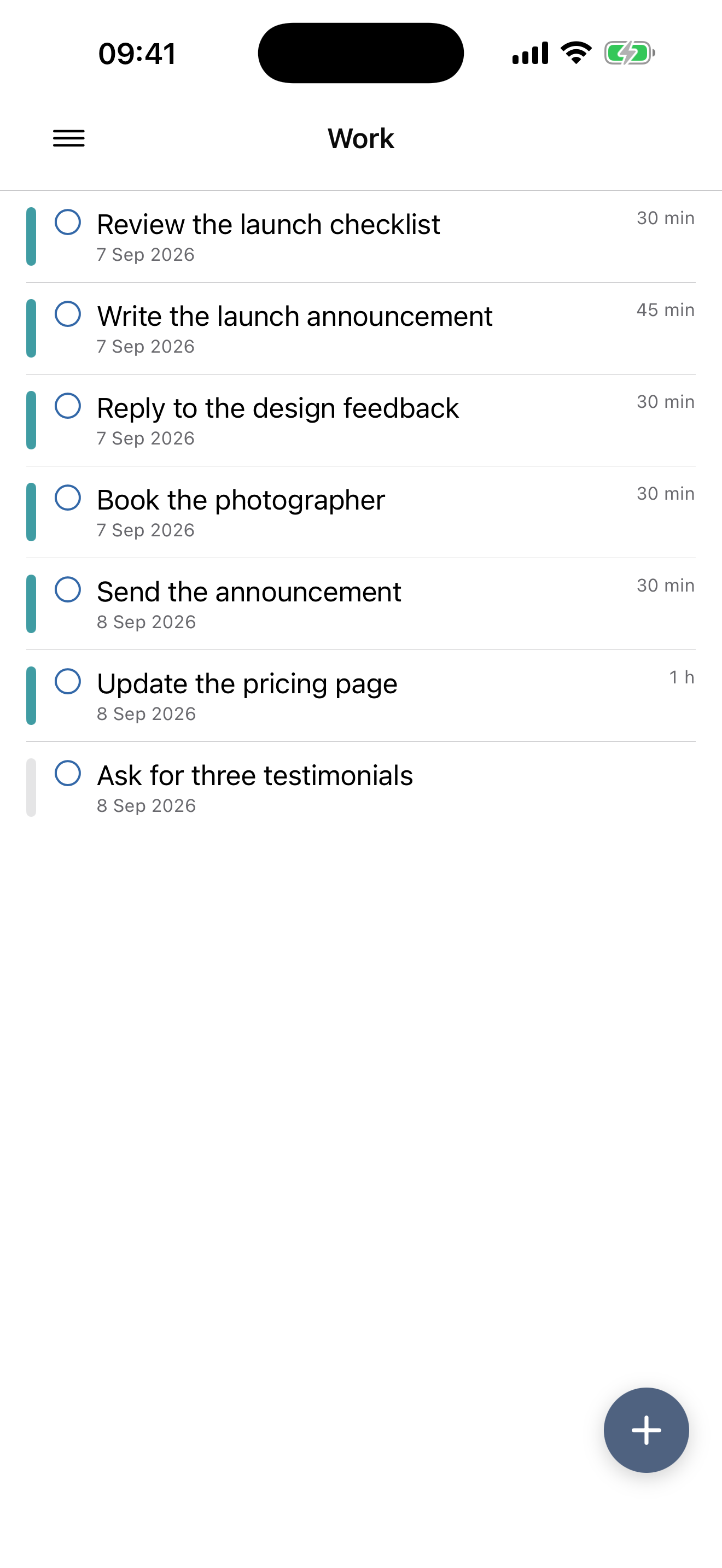
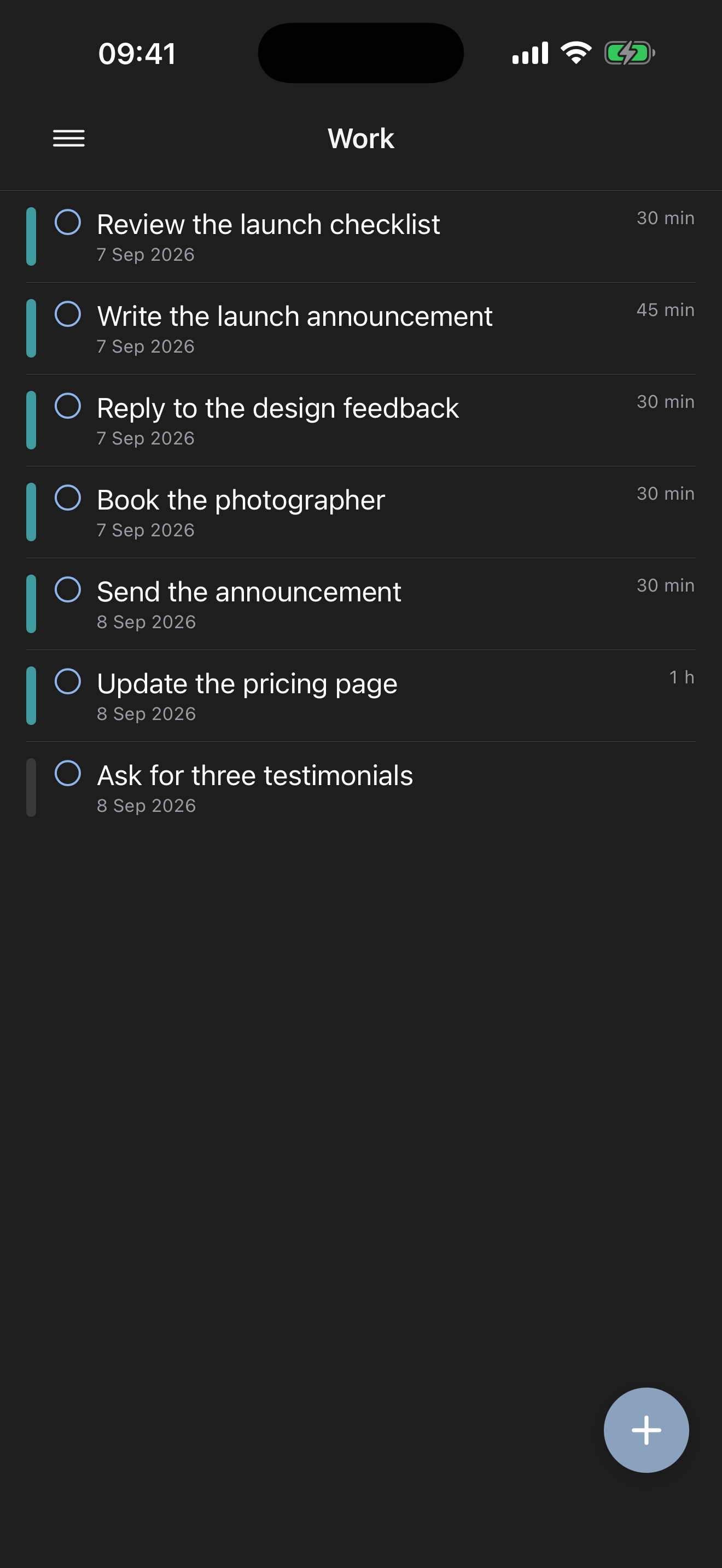
So Make My Day has a second canvas. Open the drawer, pick one of your Reminders lists, and the schedule is replaced by that list’s plain contents.
What changes, and what doesn’t
The obvious change is that there is no day. No date at the top, no arrows, no jumping to next Tuesday — a list isn’t a day, so the date navigation goes away and the list’s name sits where the date was.
Almost nothing else changes. The rows are the same rows, and they behave the way they do on the schedule:
- create a task, and delete one
- reorder by dragging, and the order sticks and syncs
- give something a duration
- open its details — title, date and time, notes, list, priority, repeat
- link it to a goal, so the connection is made while you’re thinking about the work rather than about the day
Everything you do here is written straight back to Reminders, exactly as it is on the schedule. This is a different view of your real list, not a copy of it.
One useful difference
A repeating task appears once, on its current occurrence.
On the schedule, a repeating task shows up on each day it is due, because that is what a day needs to tell you. A list is not a sequence of days, so the same task appearing eleven times would be noise rather than information. You see the one task, and editing its repeat here edits the series.
When to use it
Use the schedule when the question is about today. Use a list when the question is about the list:
- Grooming a backlog — reading a list end to end and deciding what has quietly died.
- Ordering a project — putting fifteen tasks into the sequence they actually have to happen in, without a calendar arguing with you.
- Estimating — going down a list adding durations, so that later, when you pull tasks onto a day, the capacity warning has something honest to work with.
Then swap back to the schedule and plan a day out of a list you now trust.
Related: Shaping the day covers the same gestures with a day around them, and Make My Day and your other apps explains how your lists get here in the first place.